 4k Weeks
4000 Weeks. That's All We Get.
4k Weeks counts the weeks you have left of a 4000-week life. Seeing them is not about anxiety but clarity: a glance at your Home Screen is a reminder to spend this week on what matters.


- Free
- No account
- No ads
- No tracking
- Your birthdate stays on your iPhone
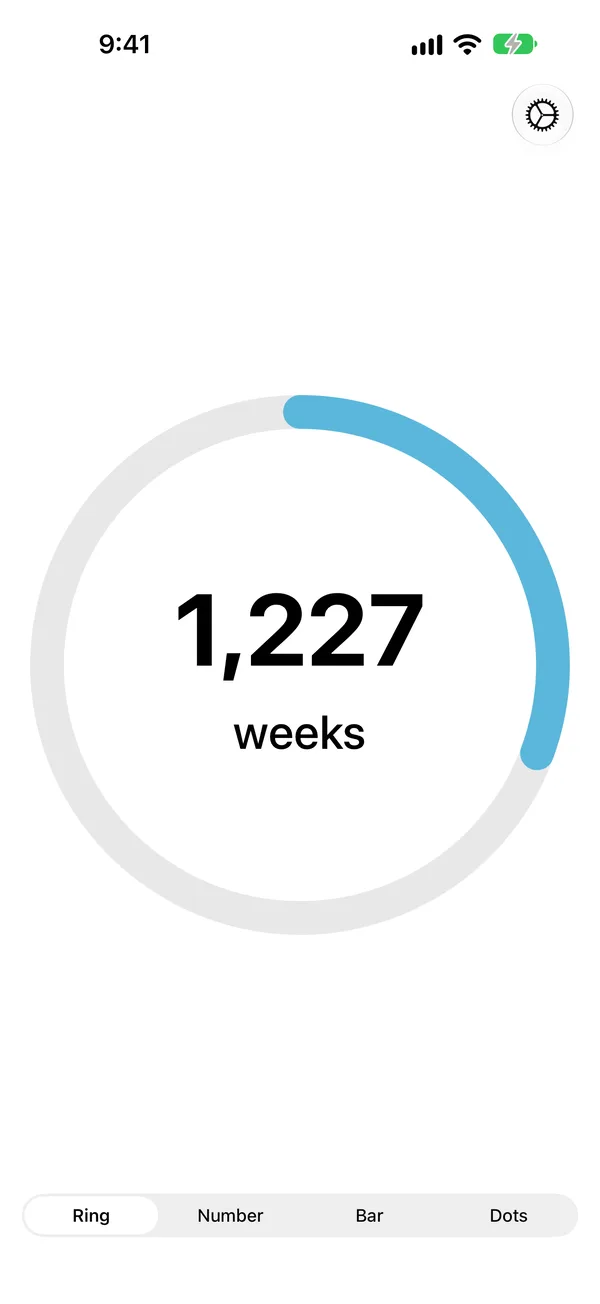
Four Styles
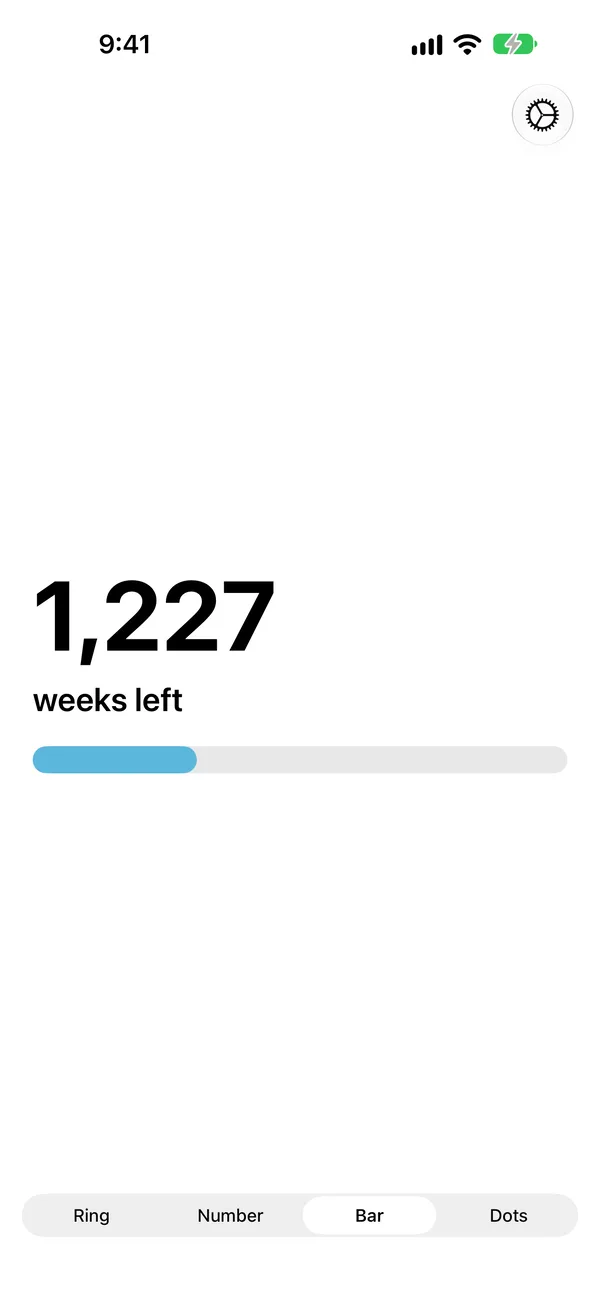
See Your Weeks Your Way
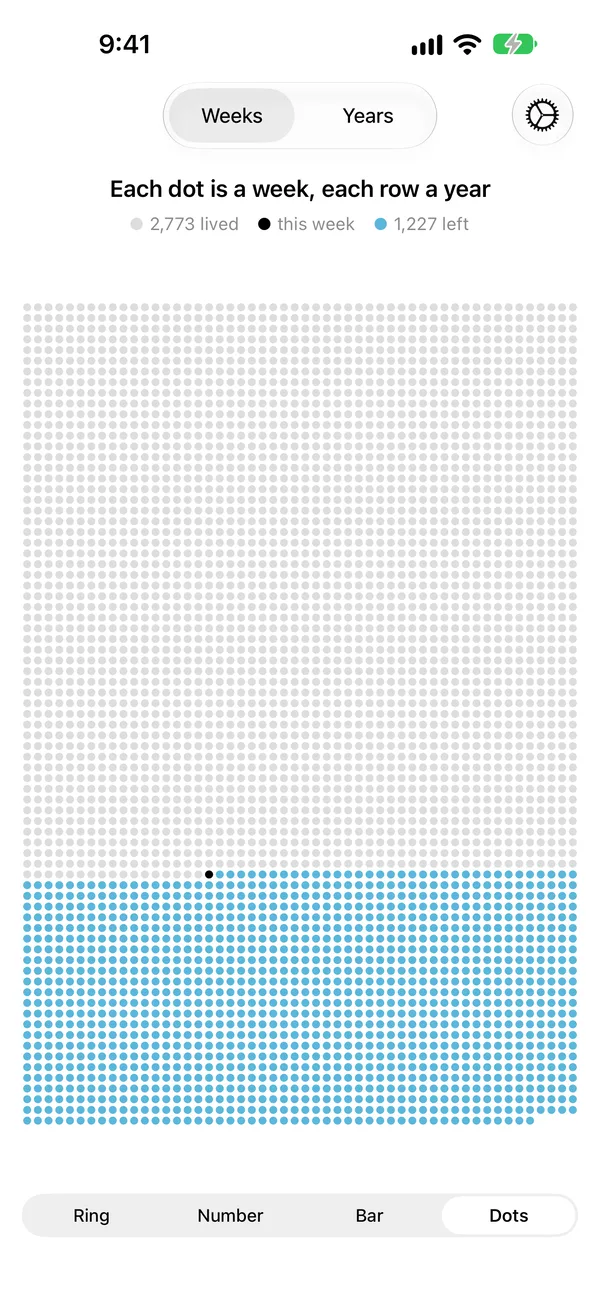
Swipe between the styles in the app. Widgets come in the same styles, and tapping one opens the app in its style.
Home Screen
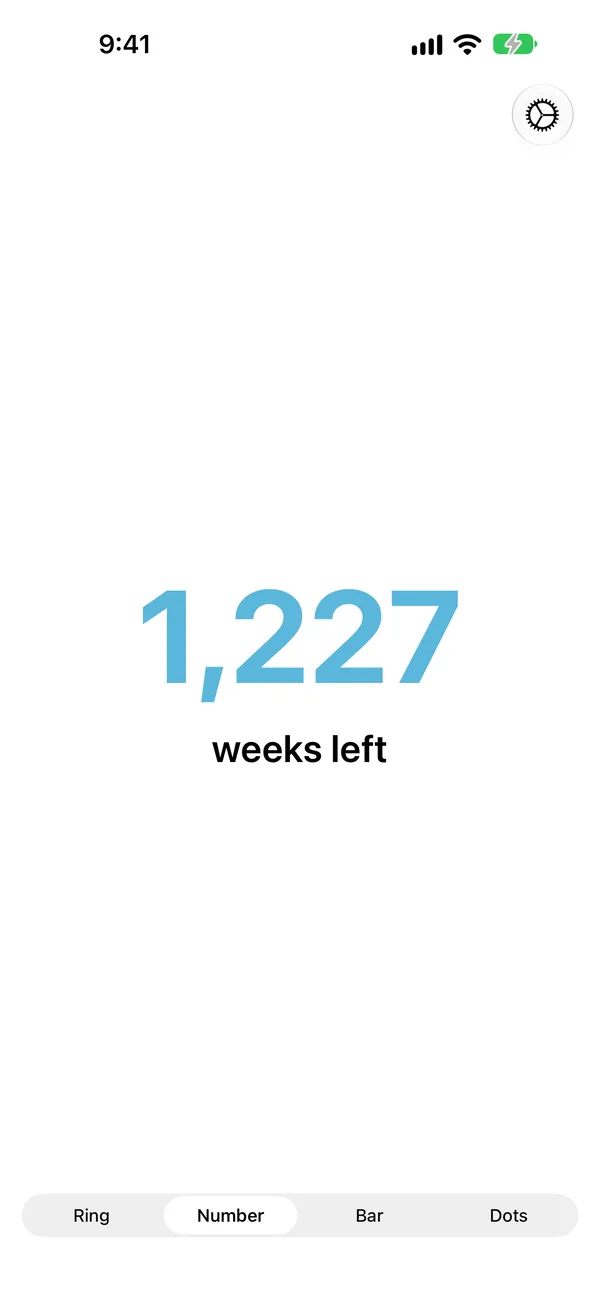
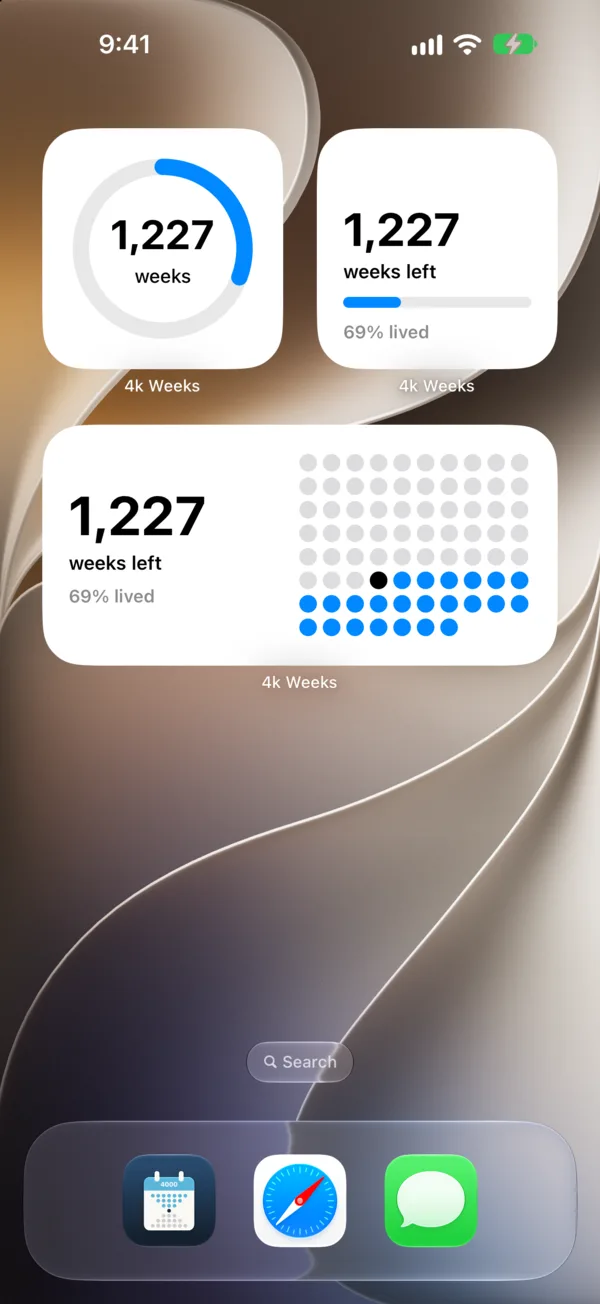
A Widget for Every Style
Add small or medium widgets, each in its own style. Press and hold a widget and choose Edit Widget to pick what it shows.
- Weeks left, weeks lived or % lived, and an optional second number.
- Works with tinted and clear Home Screens and in StandBy.
- The count drops at the start of each calendar week.
Lock Screen and Control Center
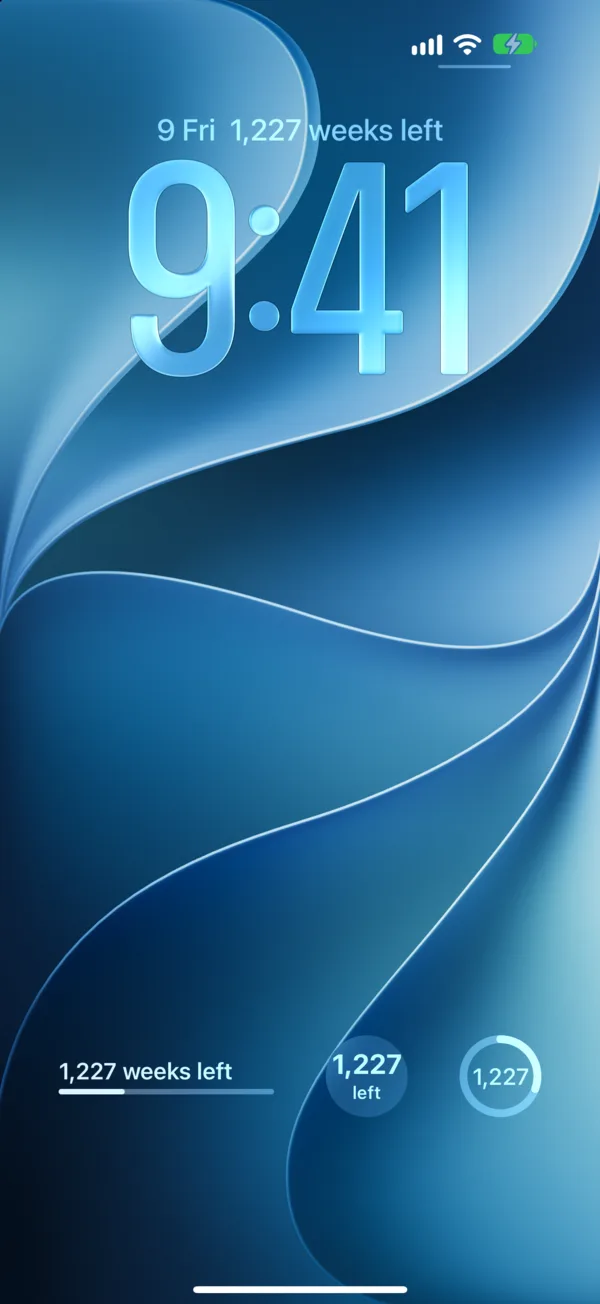
See It Without Unlocking
Lock Screen widgets show the weeks left above the clock, as a bar, a ring or a number. A Control Center control shows them too.
- Ask Siri: “How many weeks do I have left in 4k Weeks?”
- Or use the Weeks Left action in Shortcuts.
No Account. No Ads. No Tracking.
Your birthdate stays on your iPhone, and the app sends nothing anywhere. Read the privacy policy, or see support for questions.